Apex GP

Unofficial open-wheel racing sim

Apex GP

Sim-style open-wheel racing on 11 circuits built from real-world layouts. Rain, wing damage, a career to climb, and it is free on Windows, macOS and Linux.

  • 11 circuits
  • Career mode
  • Rain & wet track
  • Wing damage
  • Cockpit view
  • Free

    Windows

    Free download · coming soon

  • Free

    macOS

    Free download · coming soon

  • Free

    Linux

    Free download · coming soon

  • Paid on Google Play

    Android

    Coming soon

Cockpit & immersion

Strapped in

Drive from the driver’s seat. The steering wheel turns with your inputs, the dash shows gear and speed, and a row of 15 rev lights climbs with the engine.
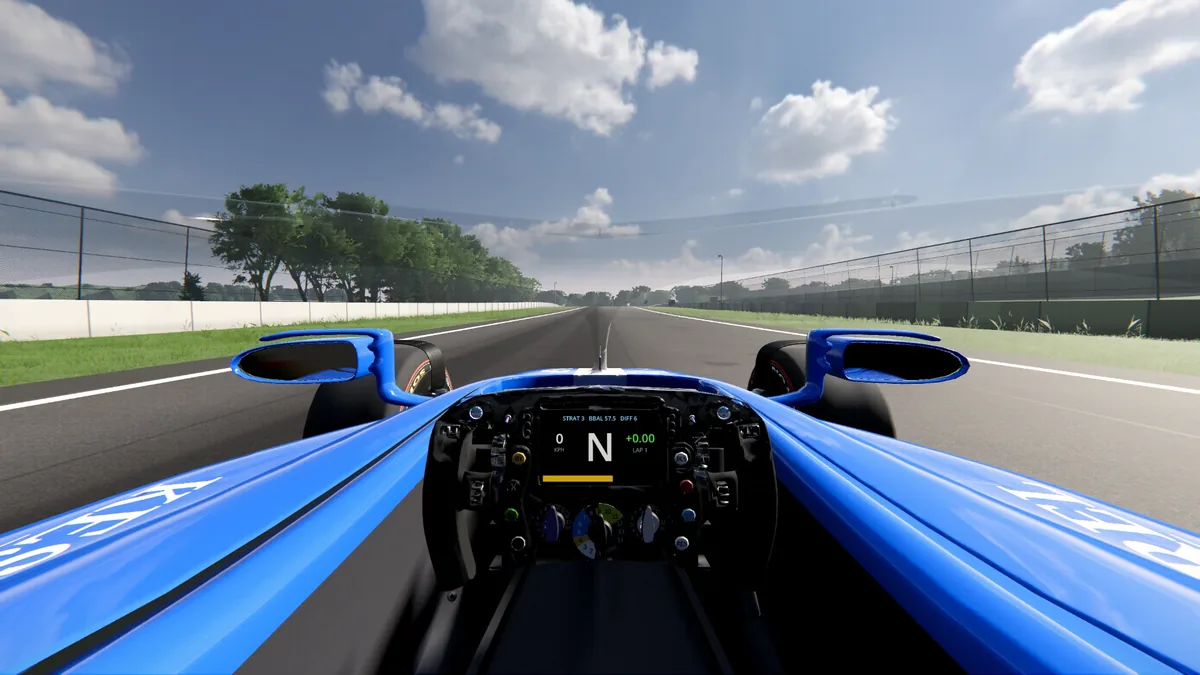
  • Five cameras: chase, T-cam, nose, cockpit and TV. Cycle them with C, or Y / Triangle on a pad.
  • Look around with the right stick in the chase and cockpit views.
  • Adjustable field of view, and kerb camera shake you can switch off.
  • The engine note follows the car: a V6 turbo hybrid on the modern car, a naturally aspirated V10 on the Classic 1989 car.
Cockpit view of the modern car: the steering wheel and dash between the front wheels, looking down the track
Cockpit camera, Max preset

Circuits

11 circuits, built from the real thing

Every circuit is built from real-world data: OpenStreetMap layouts, buildings and land use, with Copernicus EU-DEM / NASA SRTM elevation. The names are parodies. Apex Park follows the Oulton Park layout in Cheshire.

  • Apex Park

    Cheshire · 4.30 km · 5 laps

  • Monzetta

    Italia · 5.75 km · 4 laps

  • Spa-Franchecamps

    Belgique · 6.94 km · 3 laps

  • Silverstown

    Britannia · 5.86 km · 4 laps

  • Monte Carla

    Monacco · 3.29 km · 5 laps

  • Interlagoon

    Brasil · 4.29 km · 5 laps

  • Spielburg

    Austria · 4.28 km · 5 laps

  • Hungarama

    Hungary · 4.35 km · 5 laps

  • Circuit of the Almericas

    Texas · 5.46 km · 4 laps

  • Montréel

    Canada · 4.33 km · 5 laps

  • Sandvoort

    Nederland · 4.24 km · 5 laps

Outlines are drawn from each circuit’s racing line, north up. Lengths and lap counts are the circuit defaults; you can change the race length in a Custom Race.
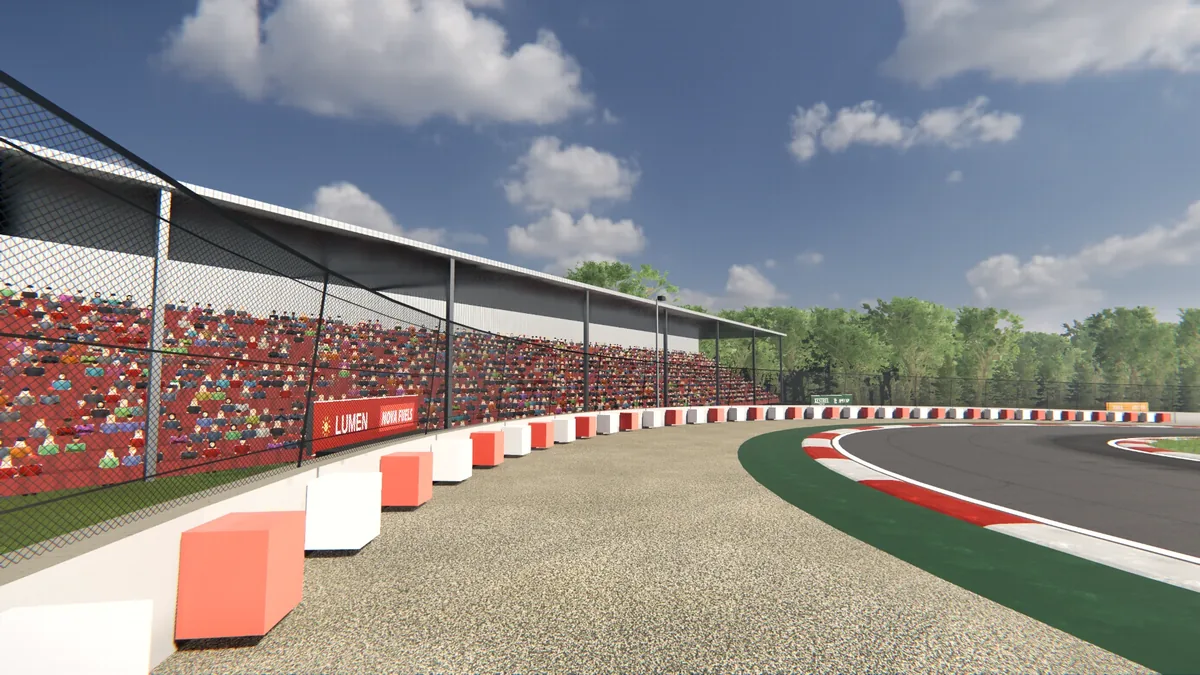
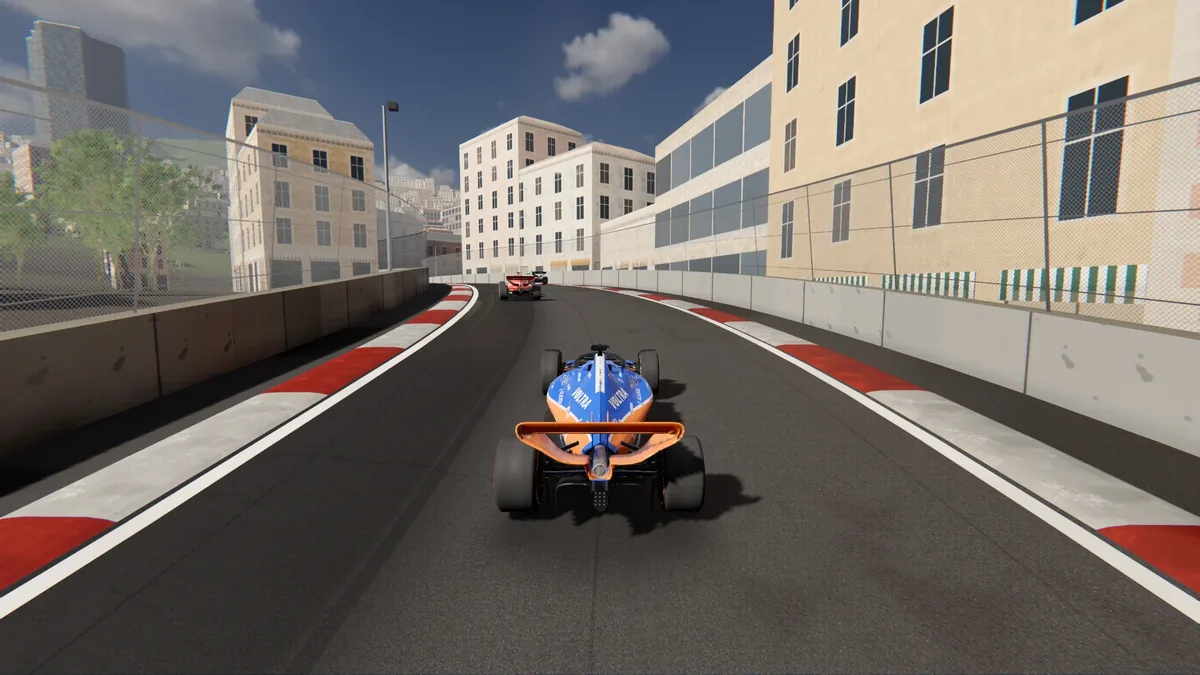
Grandstands full of spectators beside a kerb-lined corner
Grandstands and kerbs
A street circuit between apartment buildings with a car ahead
Street circuit

Cars

Two eras, two ways to drive

Pick the modern car or the Classic 1989 car for the whole field. They are not reskins: the gearbox, the aids and the downforce all change.
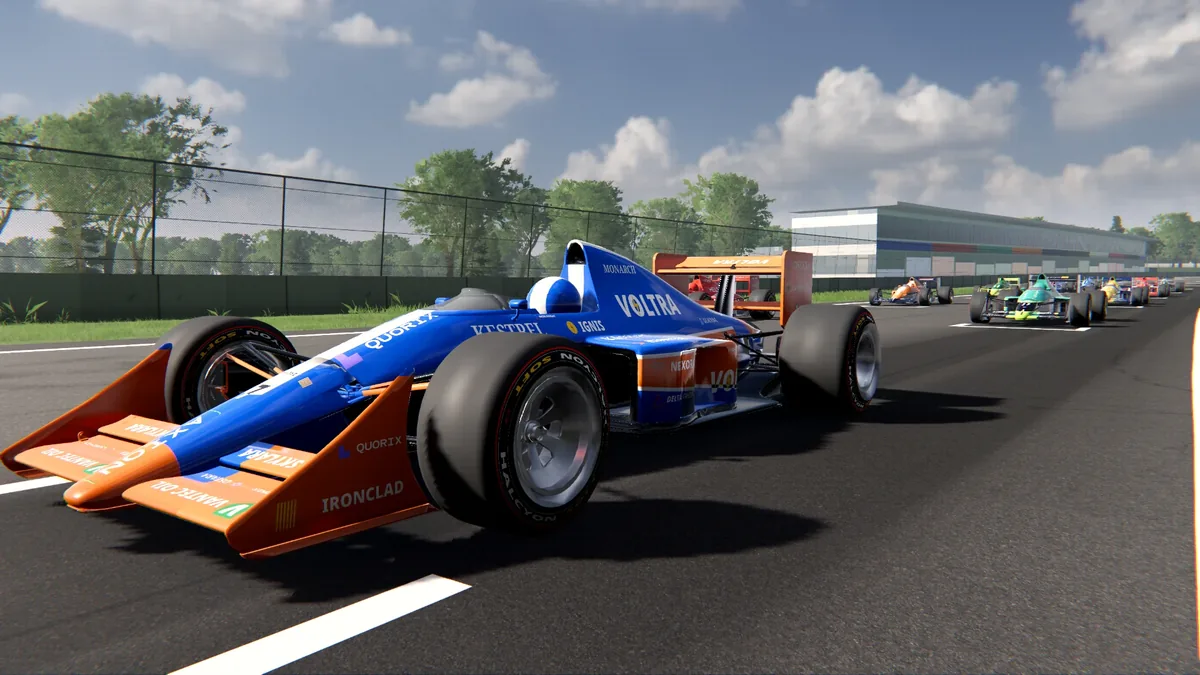
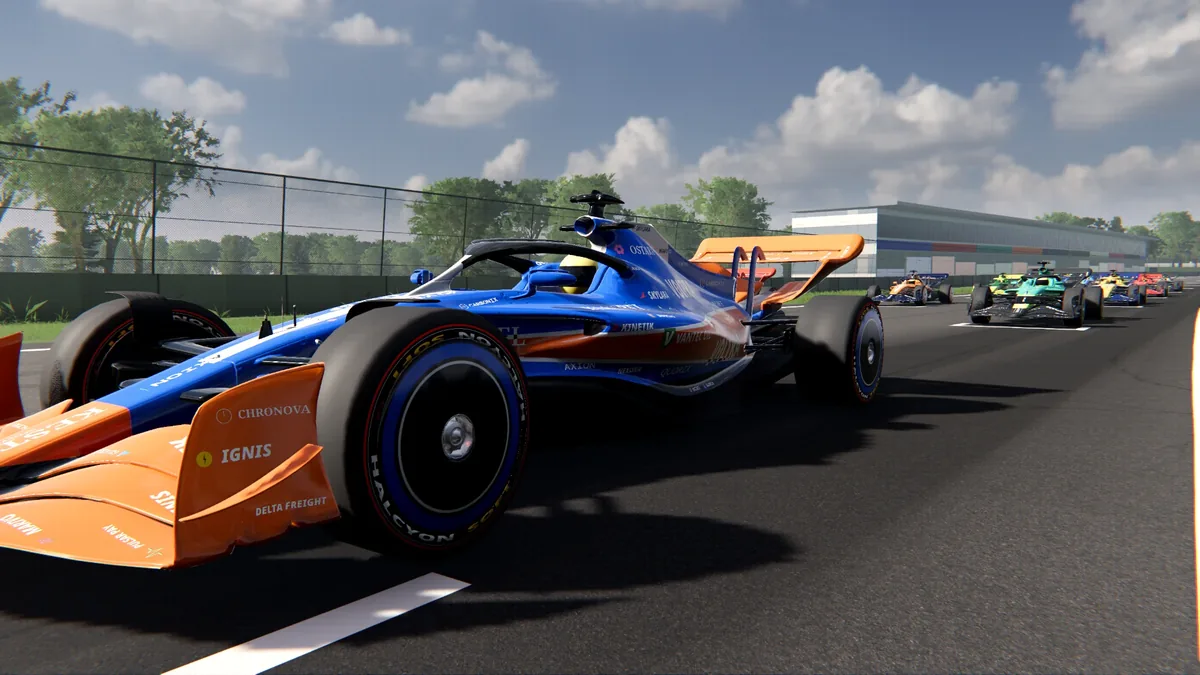
The modern car in front three-quarter view on a sunlit circuit, other cars behind

Modern

  • Gearbox8-speed automatic
  • DRSYes
  • HaloYes
  • Engine noteV6 turbo hybrid
The Classic 1989 car in three-quarter view, blue with an orange front wing

Classic 1989

  • Gearbox6-speed, V10
  • DRSNone
  • HaloNone
  • FeelShorter wheelbase, less downforce, naturally aspirated V10 sound
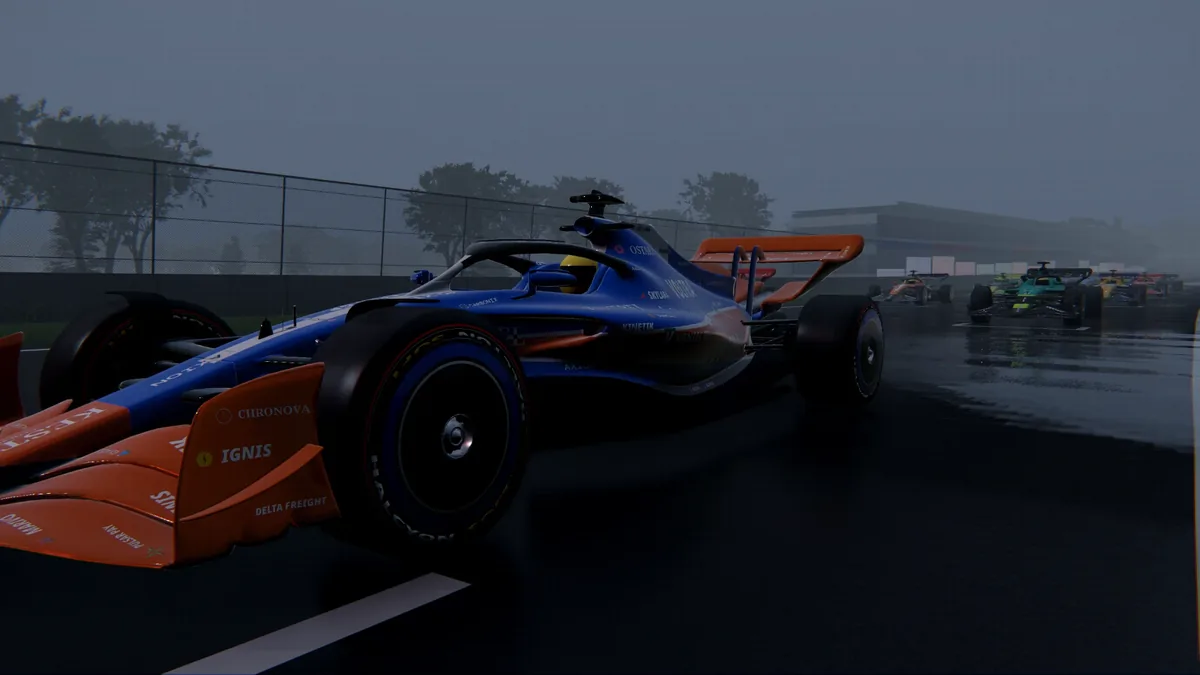
The modern car driving on a wet, overcast track in the rain

Weather

When it rains, it matters

Clear, cloudy, overcast, light rain and heavy rain. Conditions blend in, and the track takes time to soak and to dry. Slicks lose a lot of grip on a wet track; wets overheat and wear fast on a drying one.

Press R (Back on a pad) to cycle the weather in a session. Tyres come in soft, medium and hard for the dry, intermediate and wet for the rain.

Damage

Hit the wall, feel it

Barrier hits damage the car, and it drives differently afterwards.
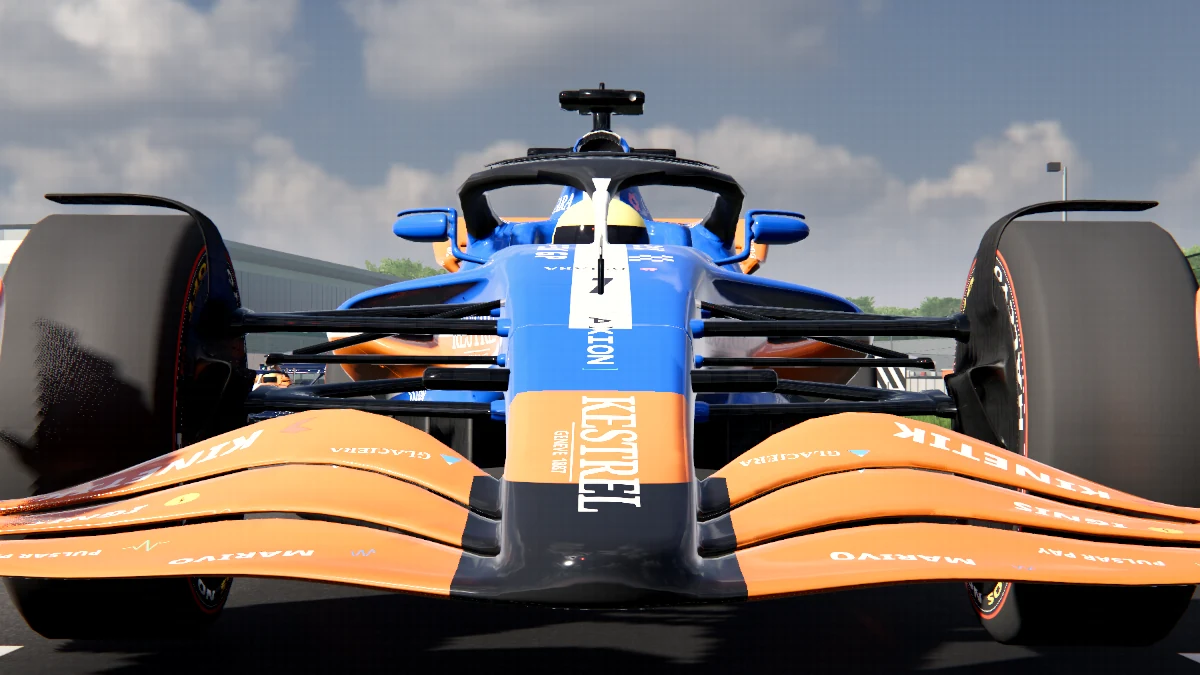
  • Nose and front-wing damage costs front downforce and adds drag; sidepod, floor and rear damage costs grip. Engine output drops a little as well.
  • The front wing visibly deforms, on the side that took the hit.
  • Rival cars get the same damage from barriers. Contact between cars does not damage them.
  • Have it fixed in the pits. It costs time: a front-wing swap is quick, floor and sidepod work is slow.
Front of the car with an undamaged front wing
Fresh wing
The same car after barrier hits, with the front wing damaged
After a barrier hit

Career & racing

Start as a rookie

Sign for one of the backmarker teams and race a 10-round championship. Beat what your car should be able to do and your reputation grows.
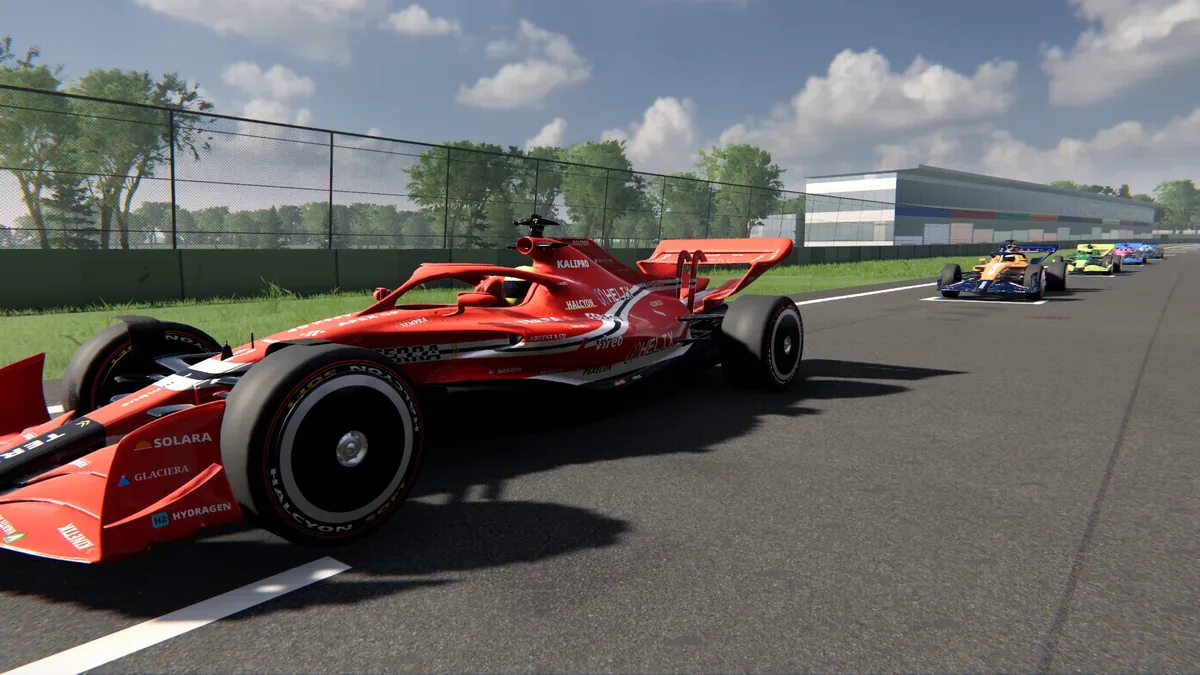
  • Qualifying is simulated from car and driver form. Race points run 25-18-15-12-10-8-6-4-2-1, plus a point for fastest lap if you finish in the top ten, with driver and constructor standings.
  • At the end of the season, teams that match your reputation make offers, the grid develops, and a new season starts.
  • Or skip all that: Quick Race starts with your last setup, and Custom Race lets you pick the circuit, team, rivals, weather and tyre strategy.
  • Race like the real thing: five red lights and a rev-control launch, stewards who judge track limits and jump starts, tyre wear, pit stops, and a strategy view where you manage the race instead of driving it.
A red modern car on the starting grid, with the rest of the field ahead
On the grid
10rounds a season
10teams on the grid
4AI difficulty levels

Controls

Every way to drive

Touch, tilt, gamepad and keyboard are all supported, with the settings to tune each one.

Touch

On-screen pedals with an analogue throttle slider, and a touch steering wheel. Pedal size and opacity, and wheel travel, are adjustable.

Tilt

Steer by tilting the phone or tablet. Set the sensitivity, flip it with Invert tilt, and calibrate while holding the device level.

Gamepad

Analogue triggers for throttle and brake, stick steering, and rumble for kerbs, gravel, lock-ups, wheelspin and gear shifts. Dead zone and steering response are adjustable.

Keyboard

Everything on the keys, laid out below. Works on Windows, macOS and Linux.

Keyboard controls. Gamepad equivalents and the full list are on the support page.
ActionKeys
ThrottleW or ↑
BrakeS, ↓ or Space
SteerA / D or ← / →
Reverse (when slow)Q, or hold the brake at a standstill
CameraC
Strategy viewTab
WeatherR
Pause / settingsEsc or P

Graphics

Scales to your hardware

From phones and integrated graphics up to high-end desktop GPUs, with five quality presets, so you can trade looks for smoothness.
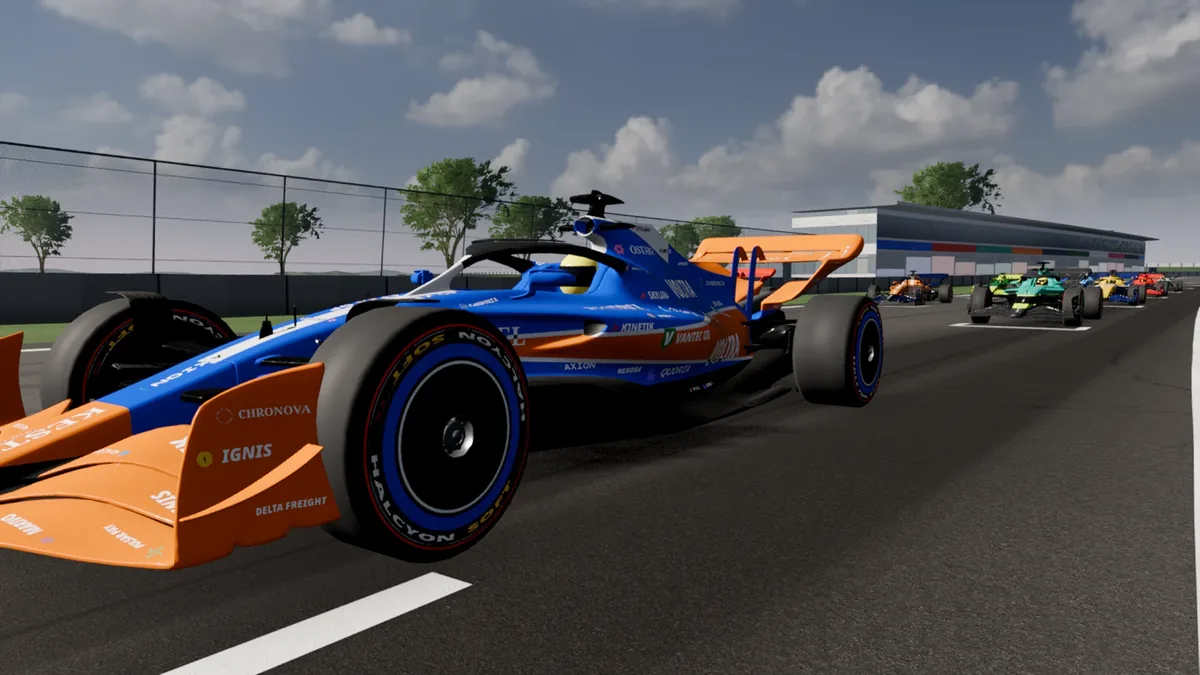
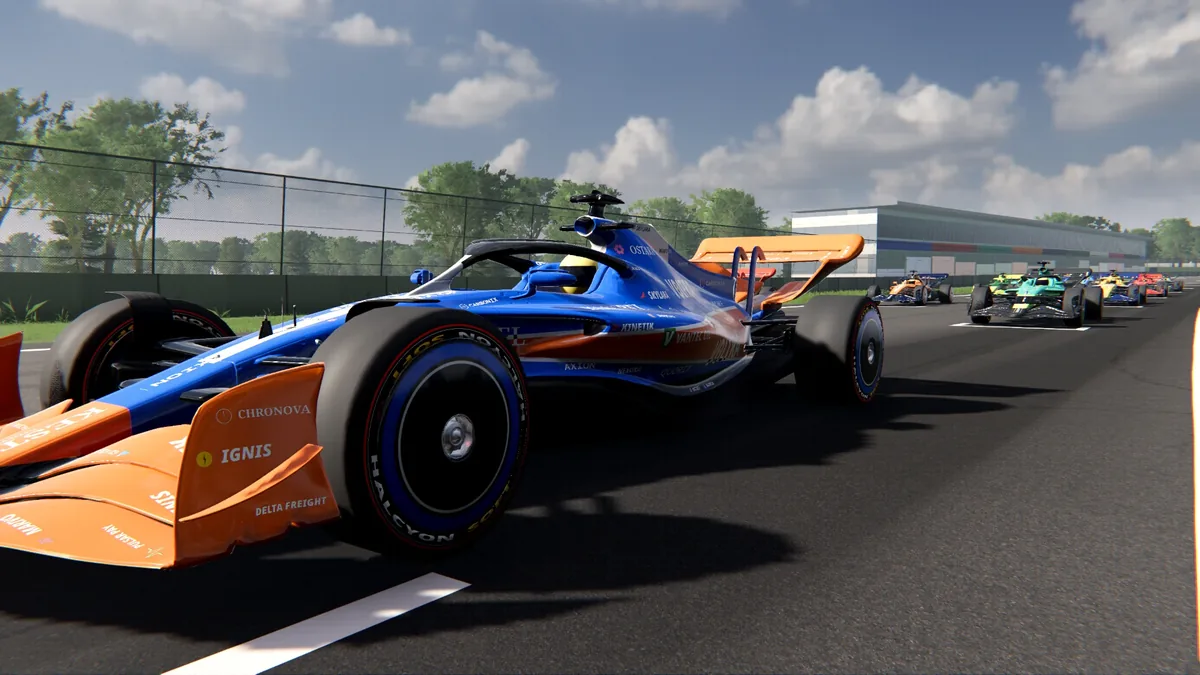
  1. Low
  2. Medium
  3. High
  4. Ultra
  5. Max
The same scene rendered at the Low preset
Low preset
The same scene rendered at the Max preset
Max preset
  • Optimise now tests your device on a real race and picks the best preset that holds 60 fps.
  • Frame-rate cap of 30, 60, 90, 120 or unlimited.
  • Upscaling with Apex SR, FSR 1.0 or FSR 2.2, plus FXAA, SMAA, MSAA and TAA (on the Forward+ renderer).
  • Every graphics change can be applied with a 15-second auto-revert, so a bad setting never strands you.

Trailer

See it move

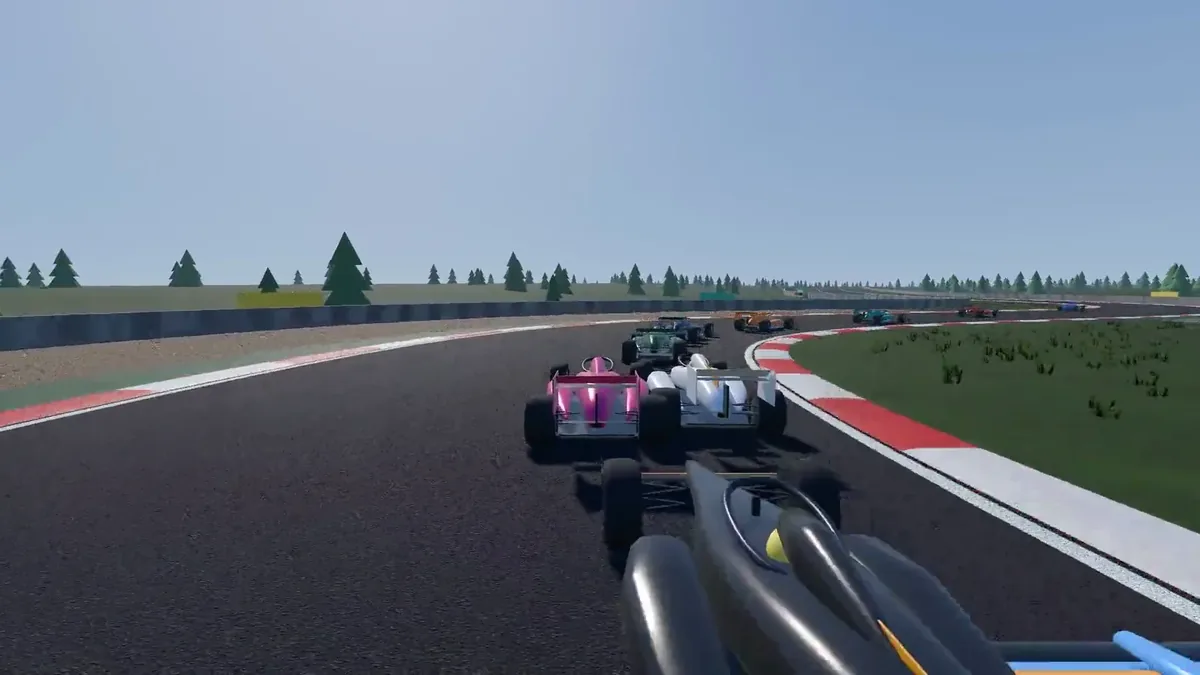
Trailer still: cars racing through a corner on a sunlit circuit Watch the trailer

72 seconds, recorded in-game at 1080p, with sound. About 21 MB; it only downloads when you press play.
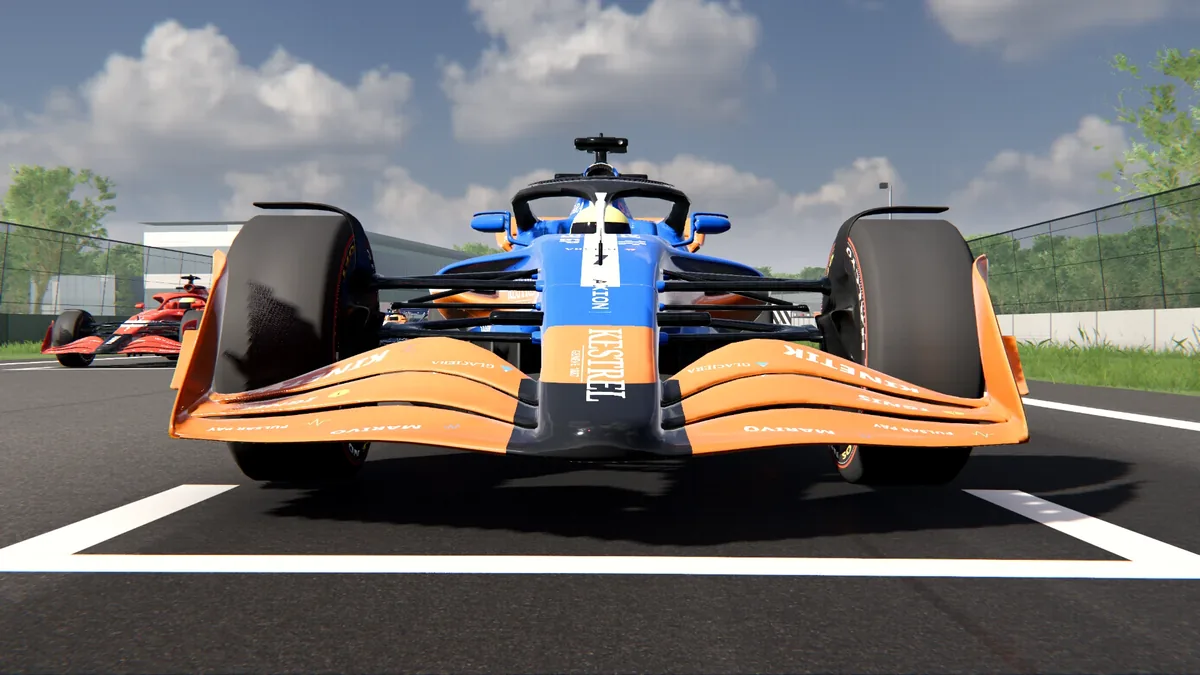
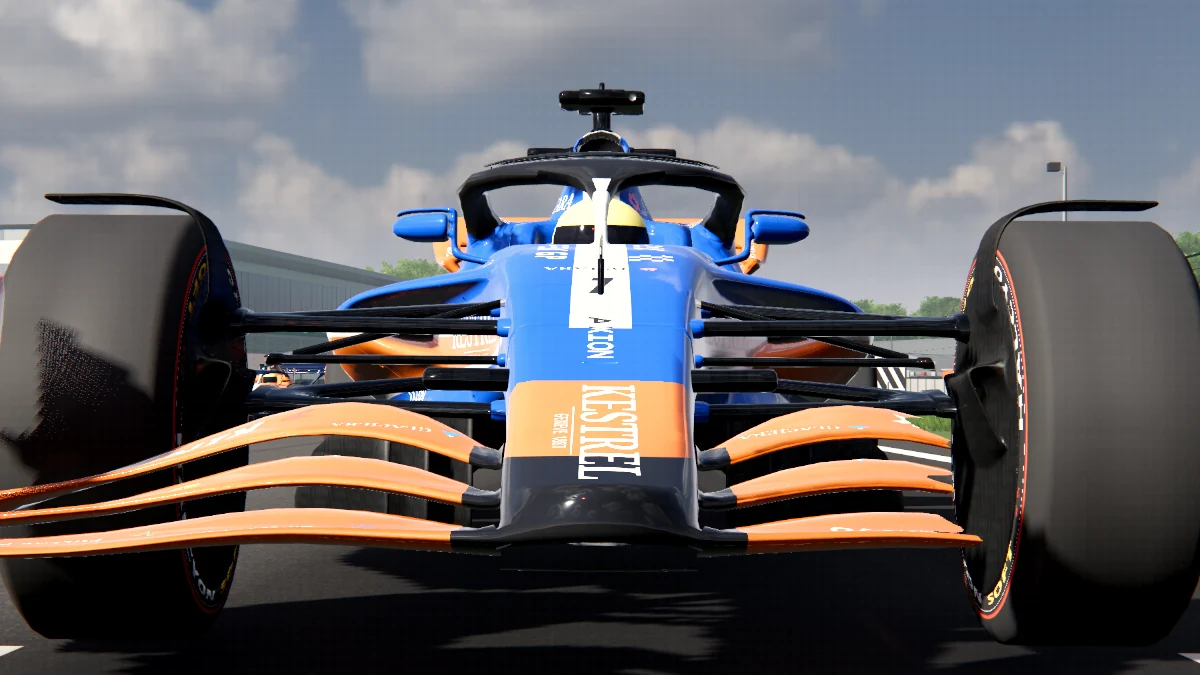
The modern car seen head-on at the start line

Get Apex GP

Free on desktop. Paid on Android.

The Windows, macOS and Linux versions are a free download. The Android app is a paid app on Google Play and is coming soon.

No ads, no in-app purchases, no analytics.